> For the complete documentation index, see [llms.txt](https://docs.snyk.io/llms.txt). Markdown versions of documentation pages are available by appending `.md` to page URLs; this page is available as [Markdown](https://docs.snyk.io/scan-fix-and-prevent/scan-with-snyk/snyk-code/snyk-code-local-engine.md).
# Snyk Code Local Engine
Snyk Code Local Engine is deprecated; reference information for existing deployments
{% hint style="info" %}
**Snyk is rolling out a new navigation.** The steps on this page describe the classic interface. If your view looks different, visit [Navigate the Snyk Web UI](https://docs.snyk.io/navigate-the-snyk-web-ui#where-things-moved) to map these options to the new interface.
{% endhint %}
## Snyk Code Local Engine
{% hint style="warning" %}
**Release status**
Snyk Code Local Engine is deprecated and will be removed in a future release. Existing customers will receive full support throughout their ongoing contracts, and the tool will continue to receive regular maintenance updates.
For more details about the deprecation process, see [Snyk Release Process](https://docs.snyk.io/snyk-release-process).
{% endhint %}
Snyk Code Local Engine (SCLE) is a fully contained version of the Snyk Code Engine that allows you to avoid uploading your code to the internet. When you use the Local Engine, only the scan is performed locally. Snyk uploads your scan results so you can view them on the Snyk Web UI.
Snyk is not onboarding new Local Engine deployments. If you are evaluating Snyk Code, visit [Configure Snyk Code](/scan-fix-and-prevent/scan-with-snyk/snyk-code/configure-snyk-code.md) for the supported deployment options.
### Support for existing deployments
If you are running the Local Engine today, your Snyk account team is the route for all configuration, upgrade, and migration questions. The instructions to configure and deploy the Local Engine in your environment are in the Readme file in the Local Engine installation package.
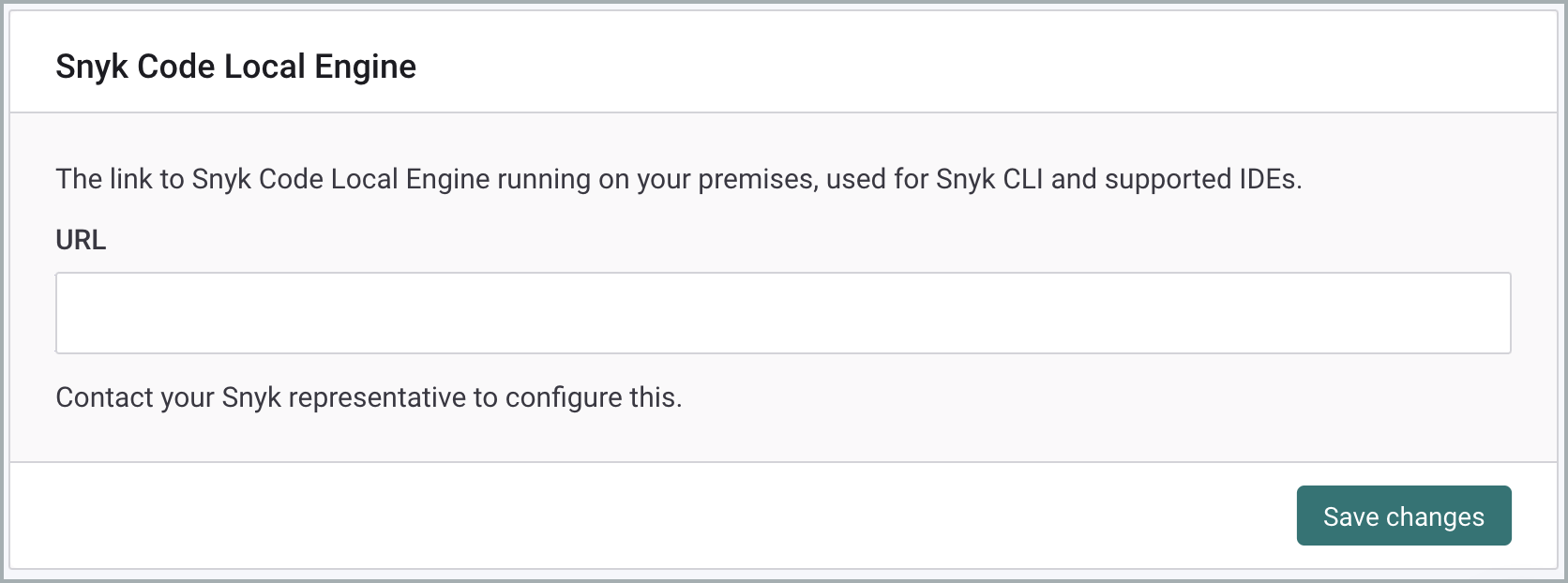
To use the Snyk CLI and IDEs with the Local Engine, provide your Snyk account team with the URL of the Local Engine running on your premises. After your account team has configured that URL for your Organization, you can view it under **Settings** > **Snyk Code**.
Snyk Code Local Engine settings Local Engine URL
### Regional endpoints
Broker deployments that route through the Local Engine need the Broker Server URL and the `deeproxy` verification endpoint for your Snyk region. Both are listed in [Broker with Snyk Code Local Engine (SCLE)](https://docs.snyk.io/snyk-data-and-governance/regional-hosting-and-data-residency#broker-with-snyk-code-local-engine-scle).
---
# Agent Instructions
This documentation is published with GitBook. GitBook is the documentation platform designed so that both humans and AI agents can read, navigate, and reason over technical content effectively. Learn more at gitbook.com.
## Querying This Documentation
If you need additional information that is not directly available in this page, you can query the documentation by asking a question.
Perform an HTTP GET request on the following URL with the `ask` and `goal` query parameters:
```
GET https://docs.snyk.io/scan-fix-and-prevent/scan-with-snyk/snyk-code/snyk-code-local-engine.md?ask=&goal=
```
`ask` is the immediate question: it should be specific, self-contained, and written in natural language.
`goal` is what the user is ultimately trying to achieve, the reason they need the answer. Sharing it helps GitBook give you a better, more relevant answer. A goal is most helpful when it describes the outcome the user wants rather than restating the question. For example, with `ask=how do I create an API token`, a goal like `automate deployments from our CI pipeline` lets GitBook tailor the answer to that use case.
The response will contain a direct answer to the question and relevant excerpts and sources from the documentation.
Use this mechanism when the answer is not explicitly present in the current page, you need clarification or additional context, or you want to retrieve related documentation sections.