> For the complete documentation index, see [llms.txt](https://docs.snyk.io/llms.txt). Markdown versions of documentation pages are available by appending `.md` to page URLs; this page is available as [Markdown](https://docs.snyk.io/developer-education-with-snyk-learn/snyk-learn/your-learning.md).
# Your learning
How to find and take Snyk Learn lessons and learning paths from the catalog based on your interests and needs
{% hint style="info" %}
**Snyk is rolling out a new navigation.** The steps on this page describe the classic interface. If your view looks different, visit [Navigate the Snyk Web UI](https://docs.snyk.io/navigate-the-snyk-web-ui#where-things-moved) to map these options to the new interface.
{% endhint %}
## Your learning
### Finding learning opportunities
You can see all of the lessons and learning paths available at . You can search or use the filters to help find learning opportunities that are relevant to your interests and needs. The catalog covers common application security topics and product training for Snyk. For developers, we recommend getting started with the [OWASP Top 10 Learning Path](https://learn.snyk.io/learning-paths/owasp-top-10/).
{% hint style="info" %}
Issue details in the Snyk Web UI, in IDE integrations, and in pull requests, may include a link to Snyk Learn education when there is a lesson related to the issue.
{% endhint %}
When you are logged in to Snyk Learn, you can also filter by status to see learning that is in progress or already complete.
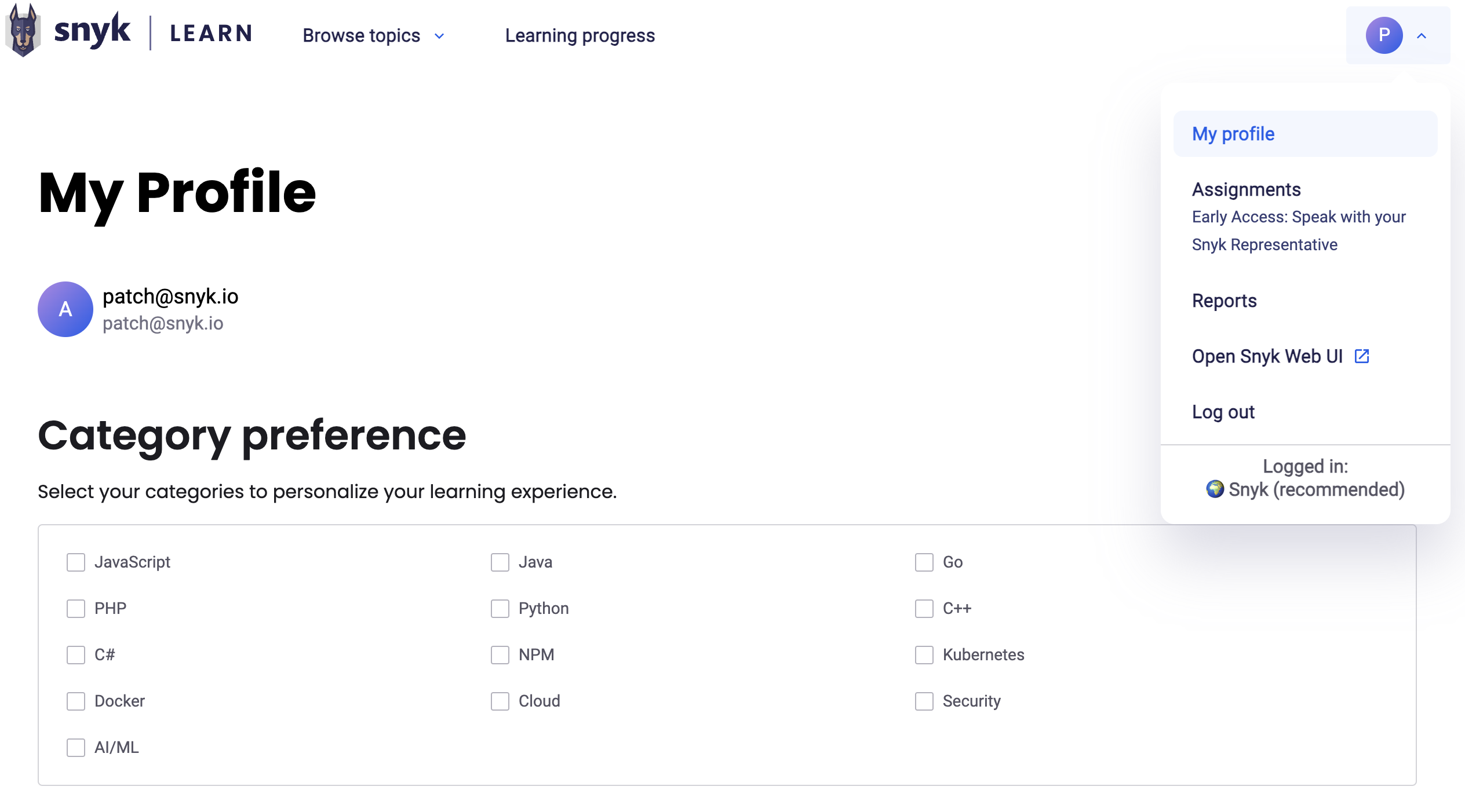
You can specify categories of learning on your profile to improve learning recommendations.
### Your profile
In your profile, you can set your learning preferences, including the preferred language.
Snyk Learn My Profile
### In progress learning
The [Learning Progress](https://learn.snyk.io/user/learning-progress/) area lets you see your in-progress learning and start where you left off. You will also receive recommendations for what to learn next.
### Vulnerabilities in your code
{% hint style="info" %}
**Feature availability**
"Vulnerabilities in your code" is available in the Learning Management add-on offering. For more information, contact your Snyk account team.
{% endhint %}
When viewing a security education lesson, authenticated users can see a **Do I have this vulnerability in my code??** section. This shows real Snyk Code vulnerabilities from your preferred Organization that match the lesson topic, based on CWE identifiers.
For each matching project, you can see:
* The project name, origin, and branch
* Issue counts by severity (critical, high, medium, low)
* Up to three matching issues with direct links to fix them in the Snyk Platform
This requires active Snyk Code projects in your preferred Organization.
### Assigned learning
{% hint style="info" %}
**Feature availability**
Assignments are available in the Snyk Learning Management add-on offering. For more information, contact your Snyk account team.
{% endhint %}
Any learning that is assigned to you appears on the [Learning Progress](https://learn.snyk.io/user/learning-progress/) page and, if set, includes the due date.
### Assessments
Some Snyk Learn lessons include a quiz at the end to test your knowledge. You must be logged in and complete the quiz to mark the course as completed.
### Certificates of completion
For all Snyk Learn security learning paths, you will be awarded a Certificate of Completion upon completion. The certificate recognizes your time and effort to improve your security skills and knowledge. You can download a PDF of the certificate from the Learning Path page.
---
# Agent Instructions
This documentation is published with GitBook. GitBook is the documentation platform designed so that both humans and AI agents can read, navigate, and reason over technical content effectively. Learn more at gitbook.com.
## Querying This Documentation
If you need additional information that is not directly available in this page, you can query the documentation by asking a question.
Perform an HTTP GET request on the following URL with the `ask` and `goal` query parameters:
```
GET https://docs.snyk.io/developer-education-with-snyk-learn/snyk-learn/your-learning.md?ask=&goal=
```
`ask` is the immediate question: it should be specific, self-contained, and written in natural language.
`goal` is what the user is ultimately trying to achieve, the reason they need the answer. Sharing it helps GitBook give you a better, more relevant answer. A goal is most helpful when it describes the outcome the user wants rather than restating the question. For example, with `ask=how do I create an API token`, a goal like `automate deployments from our CI pipeline` lets GitBook tailor the answer to that use case.
The response will contain a direct answer to the question and relevant excerpts and sources from the documentation.
Use this mechanism when the answer is not explicitly present in the current page, you need clarification or additional context, or you want to retrieve related documentation sections.
.png?alt=media)